A summons-to-testimony workflow should be easy to understand: supply authorized information, check the extraction, review the draft and return to it when needed. The output remains preparation material under the officer's control.
1. Start with permitted information
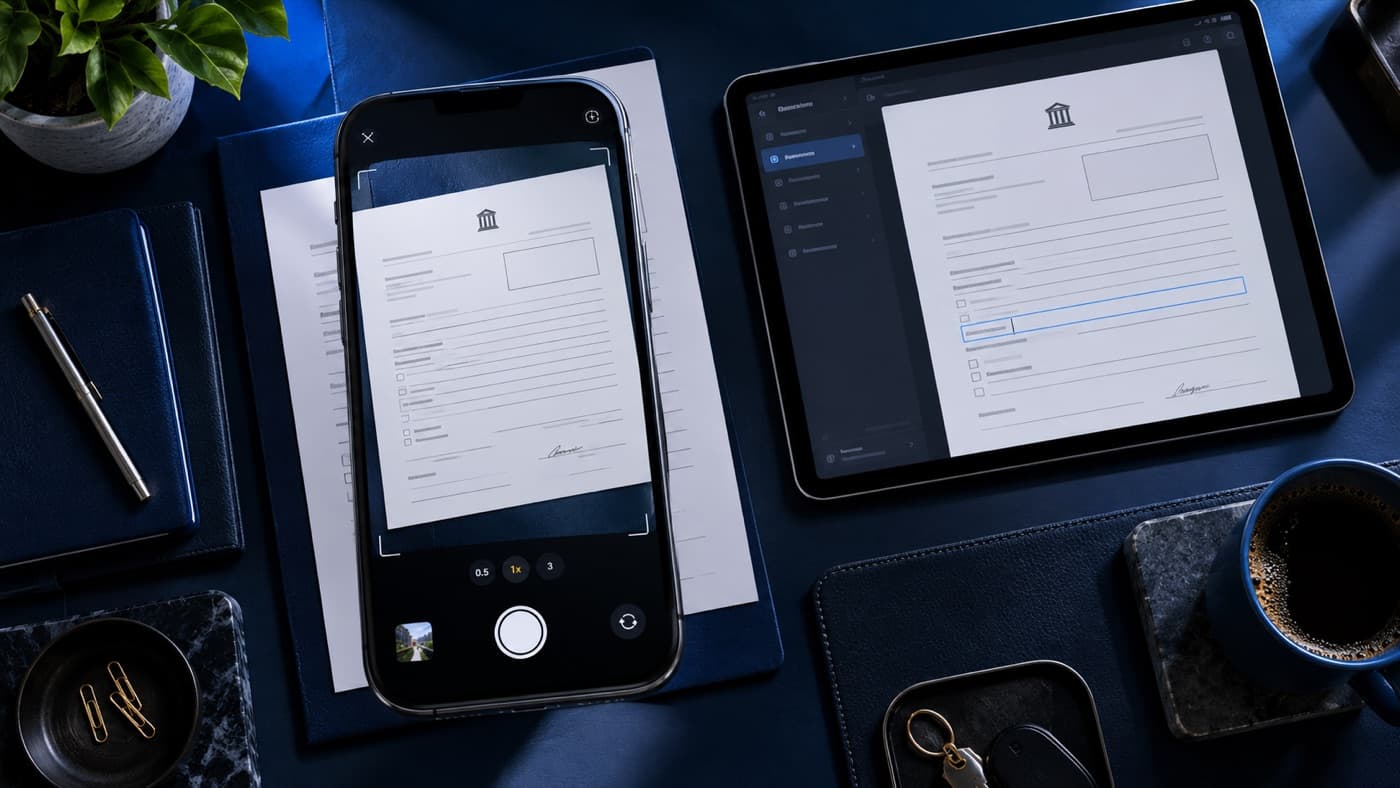
Follow agency rules on software, devices and case-related data. If upload is allowed, use a clear image of the complete summons. Avoid glare and clipped edges. Do not upload information you are not authorized to process through the service.
2. Check every extracted field
Compare the date, time, location, vehicle details, summons reference and law subsection with the original. OCR can misread handwriting, punctuation and digits. Successful extraction does not certify the information.
3. Review the generated account
NinetySix helps organize supplied information into an editable testimony preparation draft. Read every sentence. Remove unsupported observations, correct the chronology and preserve limitations in recollection. Do not assume a fact is true because the draft sounds professional.
4. Know what stays saved
NinetySix saves extracted summons information with the related draft for later review, editing and export. This is not a summons-photo archive, official evidence repository or automatic court filing. Original records still need the required retention and handling.
5. Return before the court date
Confirm that the saved record belongs to the right matter. Check current instructions, review the original authorized material and update the draft where supported. Open the export to ensure the reviewed changes are present.
Use the access method that fits
Officers can use NinetySix directly online or through the iPhone app. The saved-draft guide explains retrieval, while Violation Codes / Summonses supports reference lookup. Follow local requirements for preparation and the use of documents at a hearing.
Use the workflow in NinetySix
NinetySix is available directly on the web and on iPhone. Explore this NinetySix workflow, use NinetySix online, or review current plans. Follow agency requirements for the information you enter, and check your draft against your original records before use.