A testimony generator can save repeated typing, but it can also carry errors into a readable document. Review common failure points instead of treating successful generation as proof of accuracy.
Wrong case, correct-looking narrative
Match the summons reference, incident date, location and vehicle before reading the story. A familiar violation can make an unrelated draft seem plausible. Never rely on the title alone to establish case identity.
Misread digits or punctuation
OCR can confuse dates, plate characters and law subsections. Compare extracted fields against the authorized original. A missing letter or parenthesis can change a code lookup even when the overall number looks familiar.
Unsupported descriptive detail
Check every distance, duration, condition and asserted statement. If its only source is generated text or a sample, it should not become your factual account. Preserve limits in the original information rather than making the output sound complete.
Chronology that shifts the meaning
A draft may place later information before the initial observation or merge separate events. Read the account in order and identify the source of each fact. Rearrange supported information without inventing transitions.
Old corrections missing from the export
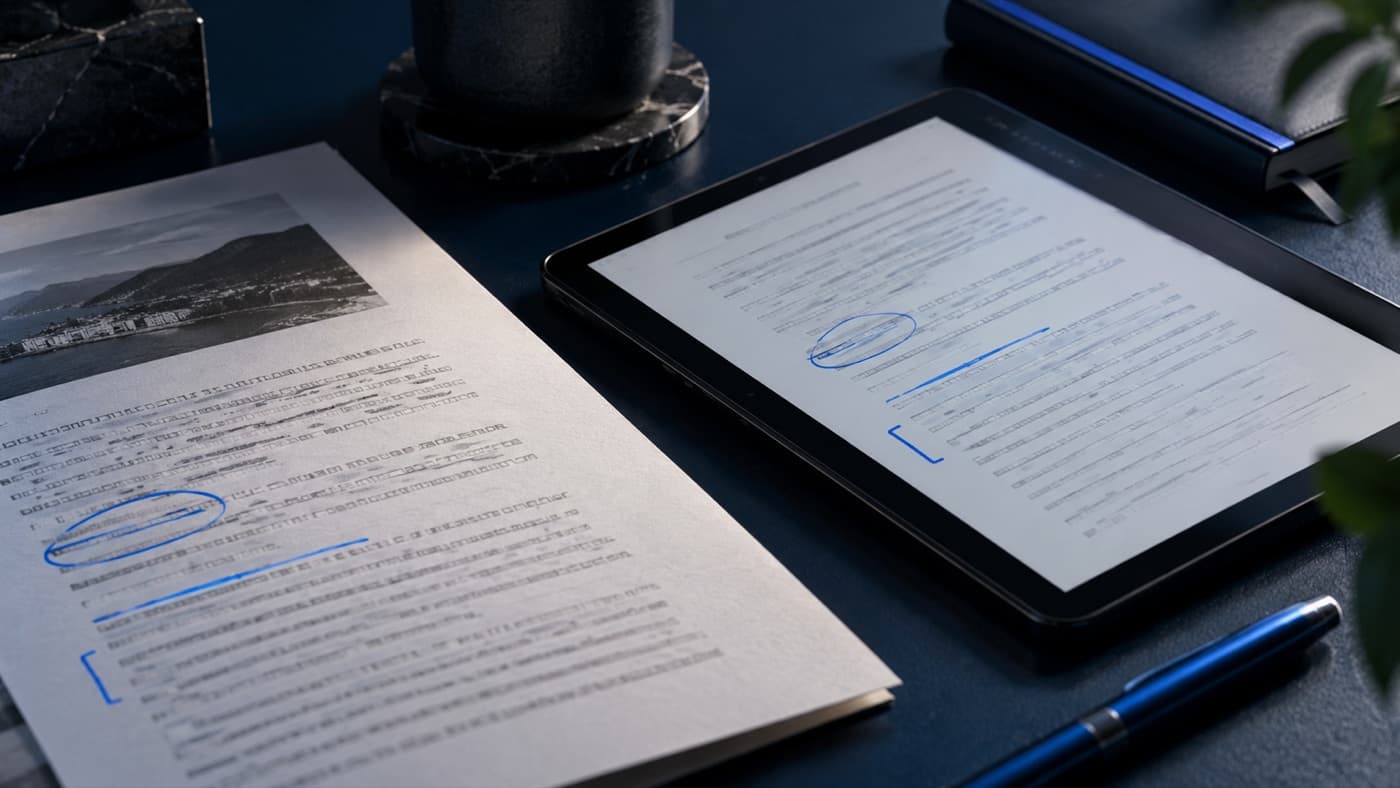
Open the file you actually plan to use. Confirm identifiers, complete paragraphs and the latest edits. A corrected on-screen draft does not prove every previously exported copy is current.
A clear review process
Use the draft checklist and code verification as separate checks. Follow agency rules and applicable hearing requirements. NinetySix produces editable preparation material from supplied information; no software can promise error-free testimony or a courtroom result.
Use the workflow in NinetySix
NinetySix is available directly on the web and on iPhone. Explore this NinetySix workflow, use NinetySix online, or review current plans. Follow agency requirements for the information you enter, and check your draft against your original records before use.