 NinetySix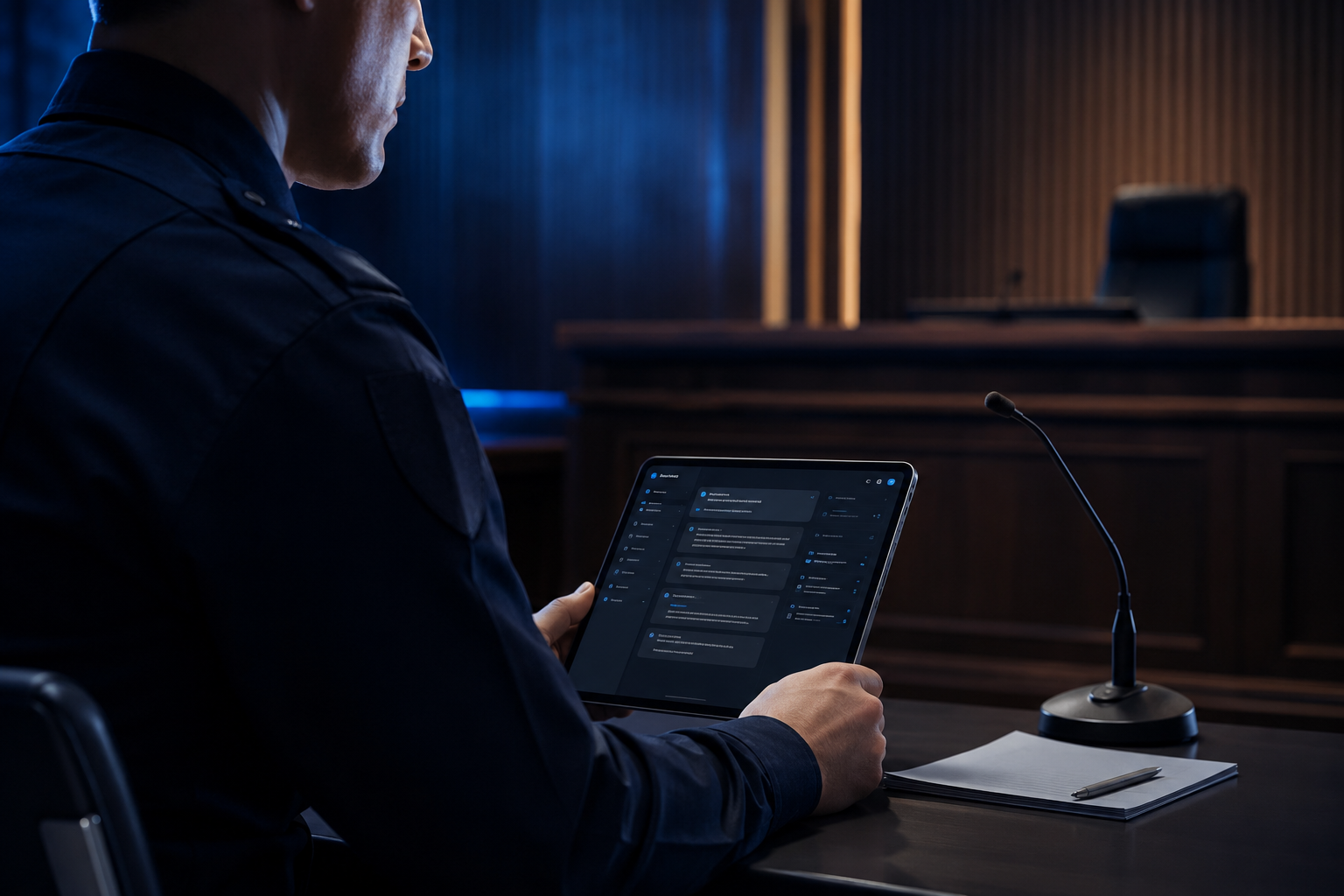
Every police officer knows that writing reports and preparing for traffic court takes time. A small mistake in paperwork can create confusion during court testimony. That is why many departments and officers now use digital tools to make documentation easier and faster.
Modern software can read summons, organize case details, explain violation codes, and even help prepare testimony drafts. These tools reduce paperwork, improve accuracy, and help officers stay focused on their real job—keeping the roads safe.
This guide compares the best traffic court testimony preparation tools for police officers. It also explains which features matter most before choosing one.
Why Police Officers Need Testimony Preparation Tools
Traffic court cases often depend on clear and detailed testimony. Officers must remember the facts of an incident, explain traffic laws correctly, and answer questions with confidence.
A good Traffic court testimony generator helps officers organize their notes into a clear timeline. It also reduces the chance of missing important details. Many departments also use Officer paperwork automation to save hours every week. As a result, officers spend less time on paperwork and more time serving the public.
Important Features to Look For
Not every tool offers the same features. Before buying one, check whether it includes the following.
AI Summons Reading
A modern AI summons reader scans traffic summons and extracts useful information automatically. Instead of entering everything by hand, officers can review and confirm the data.
Many platforms also include a Police OCR summons tool that reads printed or handwritten summons with high accuracy.
Testimony Draft Creation
The best tools create a first draft based on the summons and incident details. A quality Summons to testimony app keeps the report organized and makes editing much easier.
The software should never replace an officer's judgment. Instead, it should help build a complete and accurate testimony.
Violation Code Search
Traffic laws can be difficult to remember, especially when handling many cases.
A built-in NY summons code lookup allows officers to find violation codes quickly. Likewise, a NY traffic code search feature makes it easy to verify traffic law sections before court.
Many officers also appreciate a simple NY violation code explanation that describes what each code means in plain language.
Overtime Management
Paperwork often continues after a shift ends. Because of that, overtime tracking is another valuable feature.
A Police overtime recorder helps officers log extra work hours accurately. Some systems even include department overtime tracking reports that simplify payroll and department records.
Comparison of the Best Traffic Court Testimony Preparation Tools
1. AI-Based Testimony Platforms
AI-powered systems are becoming popular because they automate repetitive tasks.
They scan summons, organize evidence, prepare testimony drafts, and explain traffic codes. Many also include workflow management features for supervisors.
These platforms work well for departments that handle large numbers of traffic violations every week.
Best for:
- Large police departments
- High-volume traffic enforcement
- Fast documentation
2. Documentation and Workflow Software
Some programs focus more on complete case management than testimony writing.
They combine report writing, evidence storage, overtime tracking, and scheduling into one platform. Many also function as a complete NY police documentation tool.
These systems improve communication across the department while reducing paperwork errors.
Best for:
- Multi-unit departments
- Digital record management
- Long-term documentation
3. Mobile Testimony Apps
Mobile apps allow officers to work from patrol vehicles or smartphones.
Officers can review summons, update notes, and prepare reports without returning to the station. Many include a lightweight Traffic court testimony generator for quick draft preparation.
These apps are ideal for officers who spend most of their shift in the field.
Best for:
- Patrol officers
- Fast updates
- Mobile access
Understanding Common New York Traffic Testimony
Many officers search for examples before preparing for court. While every case is different, understanding common testimony types can help.
An traffic court testimony example usually explains the officer's observations in chronological order. It includes the location, weather, traffic conditions, driver actions, and the law that was violated.
Some officers also review a TVB testimony sample to understand how hearings are commonly presented.
When preparing Traffic violation testimony NY, officers should always rely on their own observations and official records rather than copying another example.
Common New York Violation Examples
Different violations require different details in testimony.
For example, VTL 1110a testimony often focuses on failure to obey traffic control devices.
A VTL 1111d1 testimony generally explains how a driver failed to stop at a steady red signal.
When writing VTL 1180d speeding testimony, officers usually include speed measurement methods, road conditions, weather, and vehicle identification.
Cases involving Traffic Rule 4-03(a)(1) testimony require officers to describe parking or standing violations clearly.
Likewise, Failure to yield NY testimony should explain the right-of-way situation and the officer's direct observations.
An Improper turn NY testimony normally includes the direction of travel, lane position, traffic control devices, and why the turn violated traffic regulations.
Benefits of Automation
Digital tools continue to improve every year.
Here are some of the biggest advantages.
- Faster paperwork completion
- Better report consistency
- Fewer typing mistakes
- Easy violation code searches
- Better court preparation
- Improved record organization
- Reduced administrative workload
Many agencies now use Law enforcement workflow tool solutions because they connect reports, summons, scheduling, and testimony into one system.
Things to Remember Before Court
Technology helps, but officers must still review every report carefully.
Always:
- Verify every fact.
- Check dates and locations.
- Confirm violation codes.
- Review notes before appearing in court.
- Speak clearly and confidently.
- Never rely only on automatically generated text.
Even when using advanced software, the officer remains responsible for the final testimony.
Which Tool Is the Best?
The best solution depends on your department's needs.
If your main goal is faster testimony preparation, choose software with strong AI drafting and summons reading features.
If your department wants complete record management, choose a platform with documentation, overtime tracking, and workflow automation.
For officers working mostly on patrol, a mobile-first application may offer the greatest value.
No matter which option you choose, modern technology can save hours of work while helping officers prepare accurate and professional testimony.
Final Thoughts
Traffic court preparation no longer has to be slow and stressful. Today's digital tools help officers organize information, understand violation codes, prepare testimony drafts, and manage paperwork more efficiently.
Whether you need an AI summons reader, Police OCR summons tool, Summons to testimony app, or a complete Law enforcement workflow tool, investing in the right software can improve accuracy and save valuable time. Review your department's needs, compare available features, and choose a solution that supports your daily work without replacing your.
For more updates and details, visit our Instagram Page!