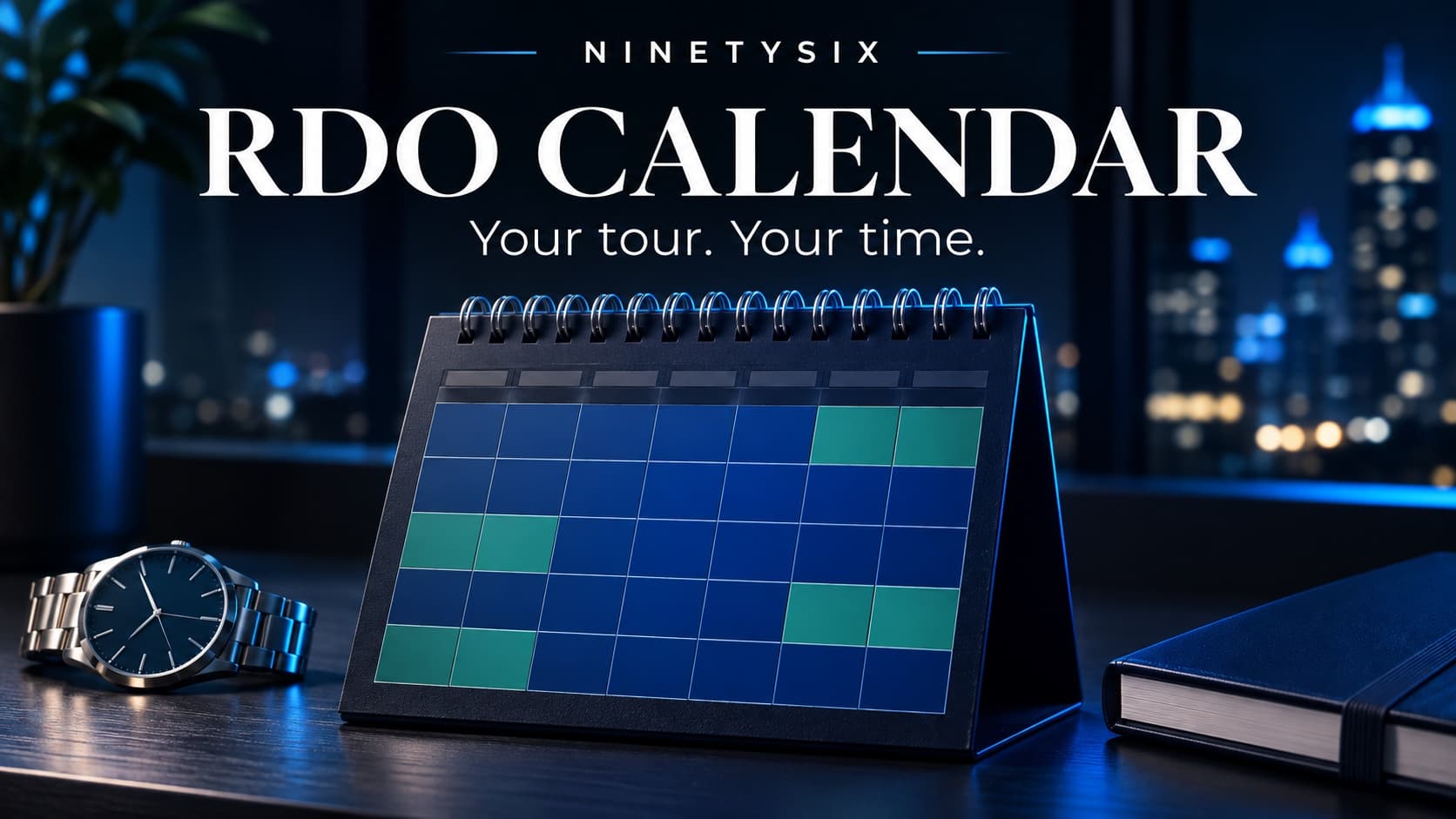
Your days off matter long before they arrive. Family plans, appointments, travel and time with the people close to you all depend on knowing when you are working—and when you are not.
A police RDO calendar should make that easy to see. Open the month, check your rotation and find the dates that work for you.
NinetySix’s Work Schedule / RDO Calendar supports custom repeating rotations for officers nationwide, alongside an independent NYPD patrol reference. You can add your tour times, check your next day off and save your schedule to your NinetySix account.
Check squad days off in the 2026 NYPD patrol RDO calendar or the 2027 NYPD patrol RDO calendar. Open a month, choose your squad and print the dates you need.
What is an RDO calendar?
RDO commonly means regular day off. An RDO calendar turns a repeating work-and-off pattern into dates you can plan around.
Instead of counting forward through a rotation whenever someone asks whether you are free, you can check the calendar. It is especially useful when your days off move through the week or someone close to you works a different schedule.
Your department still sets your assignment. NinetySix is a personal planning calendar, not an official roster or a live connection to your department’s scheduling system.
A police work calendar for more than one department
Police schedules differ across agencies and assignments. Some officers work fixed weekdays. Others follow repeating patterns such as four days on and two days off, four on and four off, or a 2–2–3 rotation.
NinetySix lets you choose an available rotation or enter a custom repeating work/off pattern. That makes the calendar useful beyond New York without pretending that every department follows the same schedule.
Choose the pattern that matches your actual assignment. For an irregular change, use an individual day adjustment rather than shifting the entire repeating rotation.
Set up your calendar in three steps
- Choose your rotation. Open Work Schedule / RDO Calendar and select Set up my schedule. Pick an available pattern or customize your repeating workdays and days off.
- Confirm the dates and tour times. Follow the setup instructions for the rotation’s starting date. Enter your tour times in 24-hour format—for example, 07:05 to 15:40—and check the time zone.
- Check the result. Compare several known workdays and RDOs with your current assignment, including dates in the following month. Correct the setup before relying on it for plans.
A quick check at the beginning is more useful than a calendar full of dates based on the wrong starting point.
Using the NYPD RDO calendar reference
NYPD officers can choose the available traditional patrol reference and reference squad, then check the resulting dates against their current assignment.
The NYPD option is an independent reference. It is not an NYPD-issued roster, and it does not establish the schedule for every command, unit or assignment. If the reference does not match your schedule, use the appropriate custom rotation instead.
The same principle applies nationwide: start with your actual work pattern, then use NinetySix to make it easier to see.
Compare two schedules in one calendar
“When are we both off?” is a different question from “When am I off?”
Use Compare another schedule to add a second rotation alongside your own. For example, you might compare your rotating RDOs with a partner’s Monday–Friday schedule, or compare two different squads.
The comparison helps you spot days off in common. Keep the two rotations clearly labeled and check each setup against the correct person’s assignment. Adding a comparison does not change your main rotation.
See the month—or plan the whole year
Month view gives you a closer look at upcoming workdays and RDOs. Switch to Year view when you want a broader picture for travel, appointments or longer-range plans.
Holiday and observance labels add context while you plan. A label does not mean you are assigned off or establish holiday-pay eligibility; those depend on your department’s rules and your assignment.
Save your calendar to your account
Trying a calendar is useful. Being able to return to your own setup makes it part of your routine.
Create a free NinetySix account or sign in to your existing account to keep your calendar in your profile. After signing in, open RDO Calendar and confirm that the saved setup matches your rotation.
Use that same account when returning on another supported device. Your work schedule belongs with your account, alongside the other officer tools you use.
Share the tool with another officer
Send the NinetySix RDO Calendar link to your squad’s group chat or to someone who wants an easier way to plan around a rotation. They can open the web tool and build their own calendar.
Share this tool and sharing a configured rotation serve different purposes. The tool link introduces the calendar. A rotation link shares the repeating pattern and the scheduling details described in the sharing dialog. Review that dialog and choose the option you intend.
For current app download options, visit Use the app.
Your schedule is the starting point
Use your RDO calendar to plan the month, then keep the rest of your work organized with Traffic Court Calendar, Overtime Recorder and Saved Testimony Drafts.
A planned day change in RDO Calendar does not create an Overtime Recorder entry. Record and reconcile overtime separately.
Start with your rotation. Check the dates. Save your calendar. Then share the tool with someone who could use it.